背景
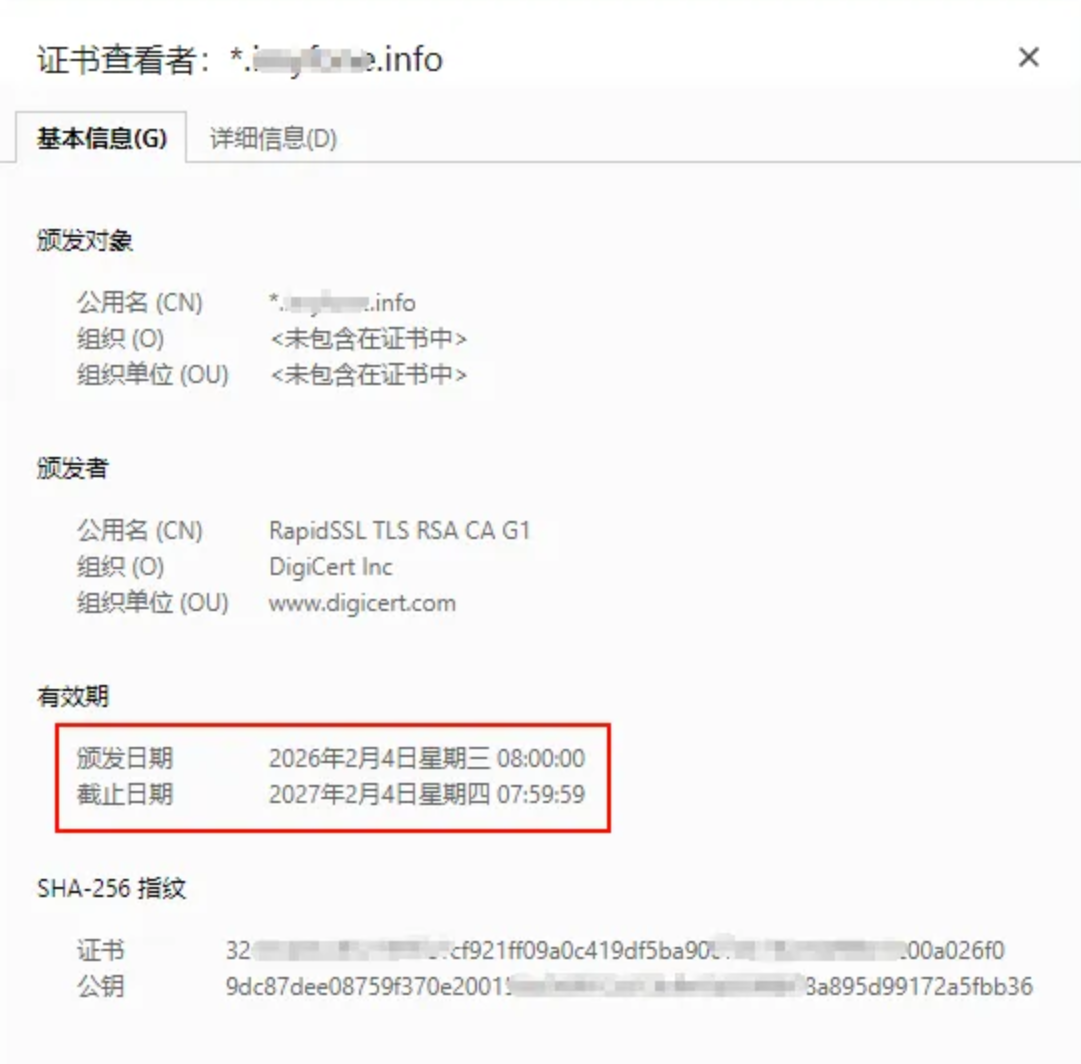
浏览网站时看到浏览器提示证书即将过期,检查后发现这是 SSL 证书,域名是 *.crashmemo.info,到期时间是 2026 年 2 月 9 日,赶紧更换一下。改吧
定位证书文件
搜索一下证书文件 pem 和 key 放在哪里,搜索得出都放在 /etc/nginx/conf.d/ssl/
1
2
3
4
5
| [root@testwiki ~]# find / -name *.crashmemo.info.info.pem
/etc/nginx/conf.d/ssl/*.crashmemo.info.info.pem
[root@testwiki ~]# find / -name *.crashmemo.info.info.key
find: '/proc/19731': No such file or directory
/etc/nginx/conf.d/ssl/*.crashmemo.info.info.key
|
备份旧证书
进入 cd /etc/nginx/conf.d/ssl/,把原来的 pem 和 key 文件都备份一下
1
2
3
4
5
6
| [root@testwiki ssl]# ll
total 24
-rw-r--r-- 1 root root 1675 Feb 9 11:27 *.crashmemo.info.info.key
-rw-r--r-- 1 root root 1679 Feb 9 11:20 *.crashmemo.info.info.key.back
-rw-r--r-- 1 root root 5519 Feb 9 11:26 *.crashmemo.info.info.pem
-rw-r--r-- 1 root root 5510 Feb 9 11:20 *.crashmemo.info.info.pem.back
|
上传新证书
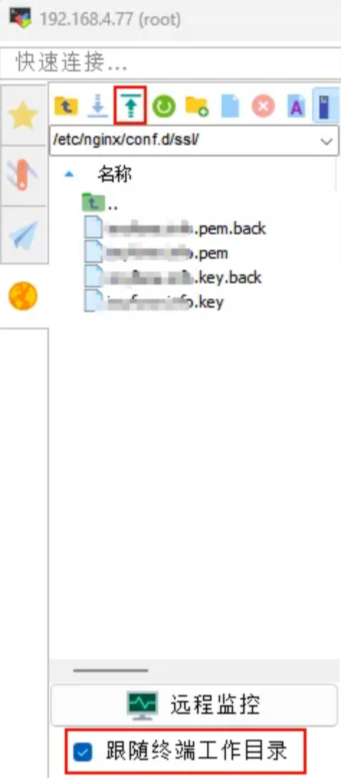
用 rz 命令上传证书文件到 /etc/nginx/conf.d/ssl/,这里我直接用 MobaXterm 的窗口上传。
验证配置
用 nginx -t 执行语法检查,显示 syntax is ok 和 test is successful,说明配置没问题。
1
2
3
| [root@testwiki ssl]# nginx -t
nginx: the configuration file /etc/nginx/conf.d/ssl/test is successful
nginx: the configuration file /etc/nginx/nginx.conf syntax is ok
|
重载 Nginx
执行 nginx -s reload,进行平滑重载
Restart vs Reload:
- Restart(重启):先把 Nginx 关掉,再打开。如果新配置错了,Nginx 就再也起不来了,网站瞬间瘫痪。
- Reload(重载):
- 它会先在后台偷偷检查一遍配置。
- 如果配置是对的,它会启动新的进程处理请求,然后慢慢关掉旧进程。
- 如果配置是错的:它会直接报错并放弃更新,继续用旧的配置运行。
1
| [root@testwiki ssl]# nginx -s reload
|
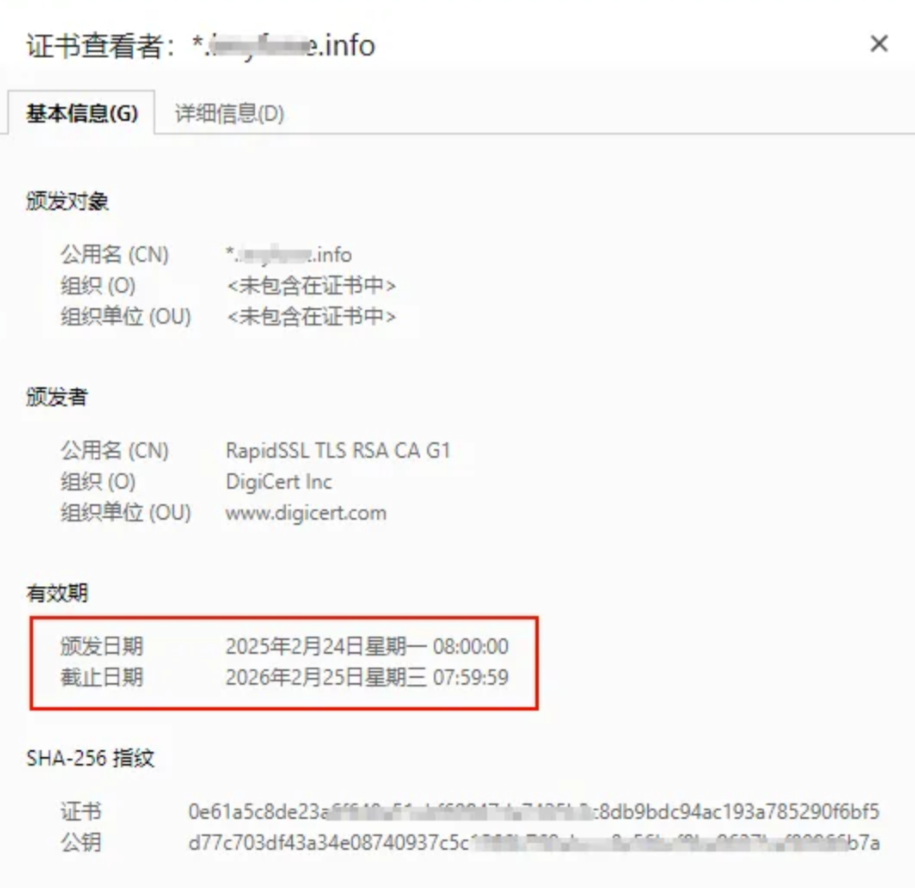
可以在网页上看到证书已经更新成功了